19th August 2025 - Link Blog
llama.cpp guide: running gpt-oss with llama.cpp (via) Really useful official guide to running the OpenAI gpt-oss models using llama-server from llama.cpp - which provides an OpenAI-compatible localhost API and a neat web interface for interacting with the models.
TLDR version for macOS to run the smaller gpt-oss-20b model:
brew install llama.cpp
llama-server -hf ggml-org/gpt-oss-20b-GGUF \
  --ctx-size 0 --jinja -ub 2048 -b 2048 -ngl 99 -fa
This downloads a 12GB model file from ggml-org/gpt-oss-20b-GGUF on Hugging Face, stores it in ~/Library/Caches/llama.cpp/ and starts it running on port 8080.
You can then visit this URL to start interacting with the model:
http://localhost:8080/
On my 64GB M2 MacBook Pro it runs at around 82 tokens/second.
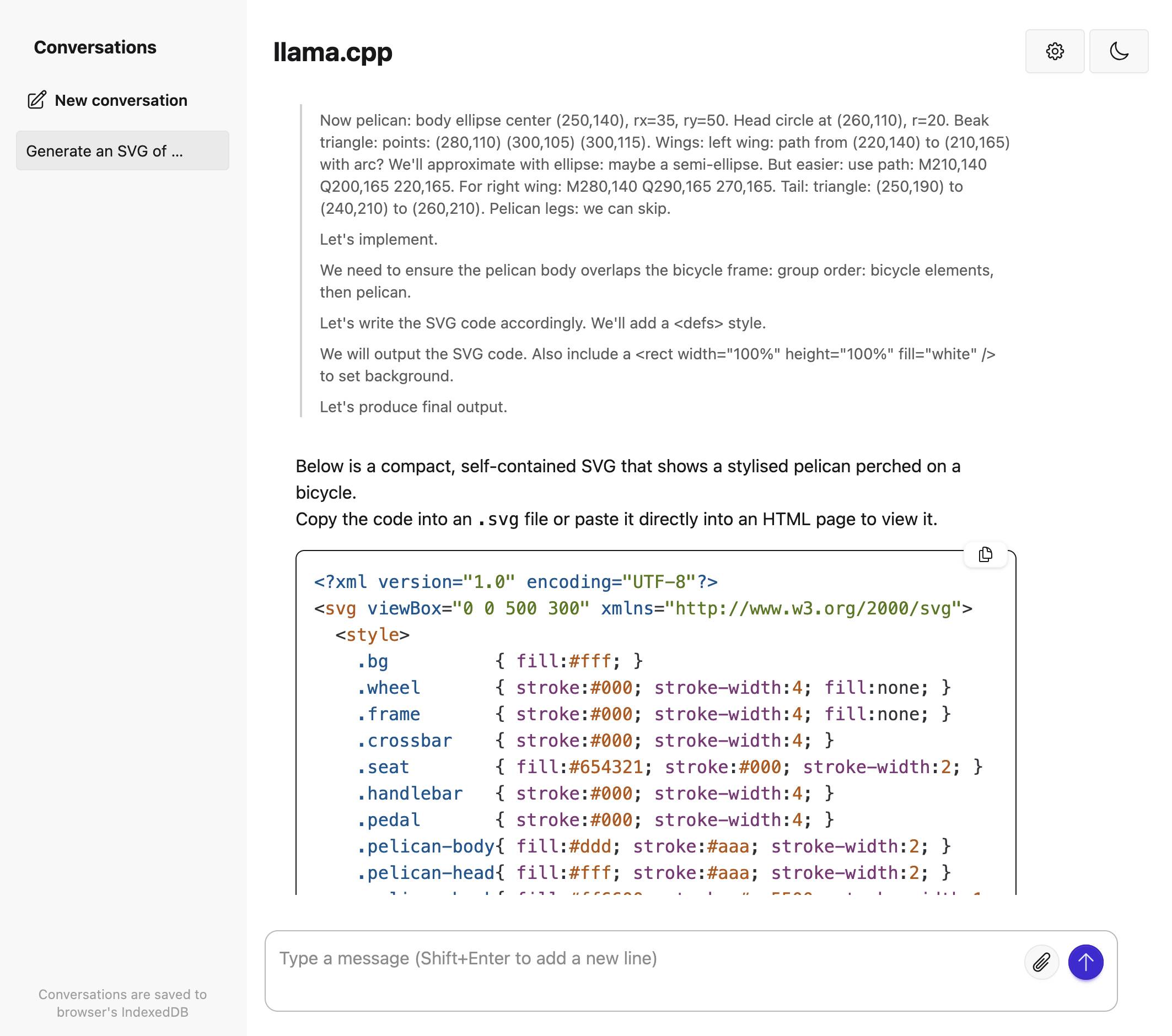
The guide also includes notes for running on NVIDIA and AMD hardware.
Recent articles
- Highlights from my conversation about agentic engineering on Lenny's Podcast - 2nd April 2026
- Mr. Chatterbox is a (weak) Victorian-era ethically trained model you can run on your own computer - 30th March 2026
- Vibe coding SwiftUI apps is a lot of fun - 27th March 2026