23rd October 2026
Tool
Quick Study
— Quick Study paints a photo stroke by stroke in passes from coarse brushes to fine ones, and accepts images from a file picker, drag and drop, or the clipboard. Users choose a medium (oil, watercolor, or pointillist), a detail level, and a duration of 2 to 10 seconds, then hold a button to compare against the original photo, repaint with a new random take, or download the finished study as a PNG through the Downloads service when available or a plain file link otherwise.
Prompt to Claude Opus 5.5 High:
Build an artifact where you open a photo and it rapidly (in a few seconds) paints a version of that photo using a canvas element and simulated paintbrush
See also my previous experiment getting Claude Fable to simulate a watercolor illustration with P5.js.
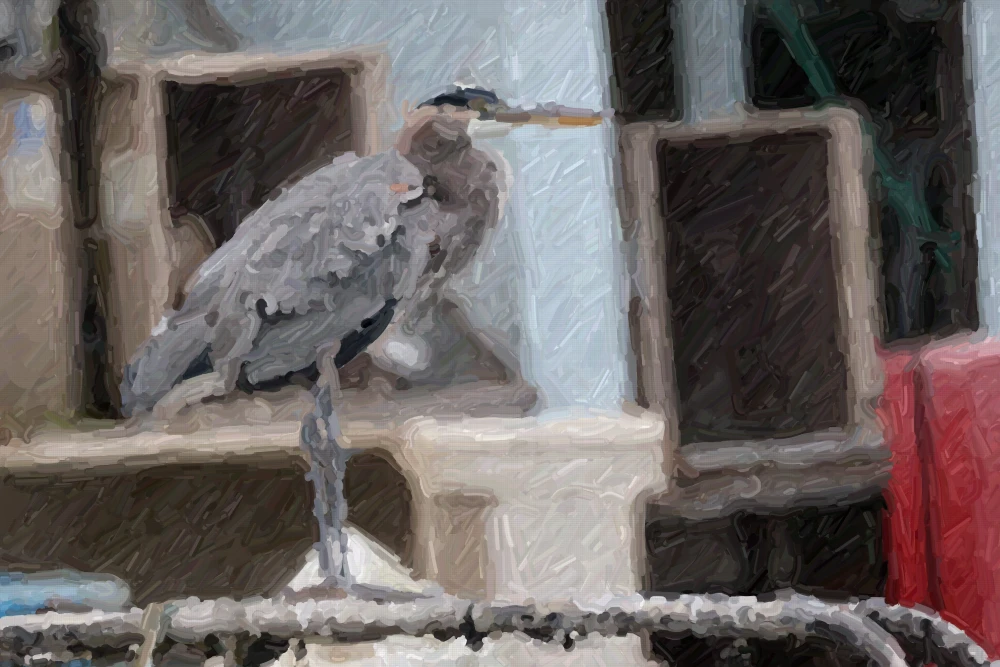
Quick Study uses Sobel edge detection, with no external libraries beyond Google Fonts.
Recent articles
- Locating the source of a mysterious beep with Claude - 9th November 2026
- Hide your slop PR descriptions behind <details><summary> - 9th November 2026
- Qwen 3.8 27B on my laptop can interpret model weights, too - 3rd November 2026
- The U.S. Census Bureau and “Super Intelligence” - 2nd November 2026