Guides > Agentic Engineering Patterns > GIF optimization tool using WebAssembly and Gifsicle
Changes to GIF optimization tool using WebAssembly and Gifsicle
March 2, 2026, 4:35 p.m. #
Draft status changed from draft to published.
March 2, 2026, 4:32 p.m. #
---
+++
@@ -3,8 +3,6 @@
These GIFs can be pretty big. I've tried a few tools for optimizing GIF file size and my favorite is [Gifsicle](https://github.com/kohler/gifsicle) by Eddie Kohler. It compresses GIFs by identifying regions of frames that have not changed and storing only the differences, and can optionally reduce the GIF color palette or apply visible lossy compression for greater size reductions.
Gifsicle is written in C and the default interface is a command line tool. I wanted a web interface so I could access it in my browser and visually preview and compare the different settings.
-
-Here's [what I built](https://tools.simonwillison.net/gif-optimizer). I'm going to break down the prompt to explain how I got there.
I prompted Claude Code for web (from my iPhone using the Claude iPhone app) against my [simonw/tools](https://github.com/simonw/tools) repo with the following:
@@ -17,6 +15,11 @@
Run “uvx rodney –help” and use that tool to tray your work - use this GIF for testing https://static.simonwillison.net/static/2026/animated-word-cloud-demo.gif
```
+
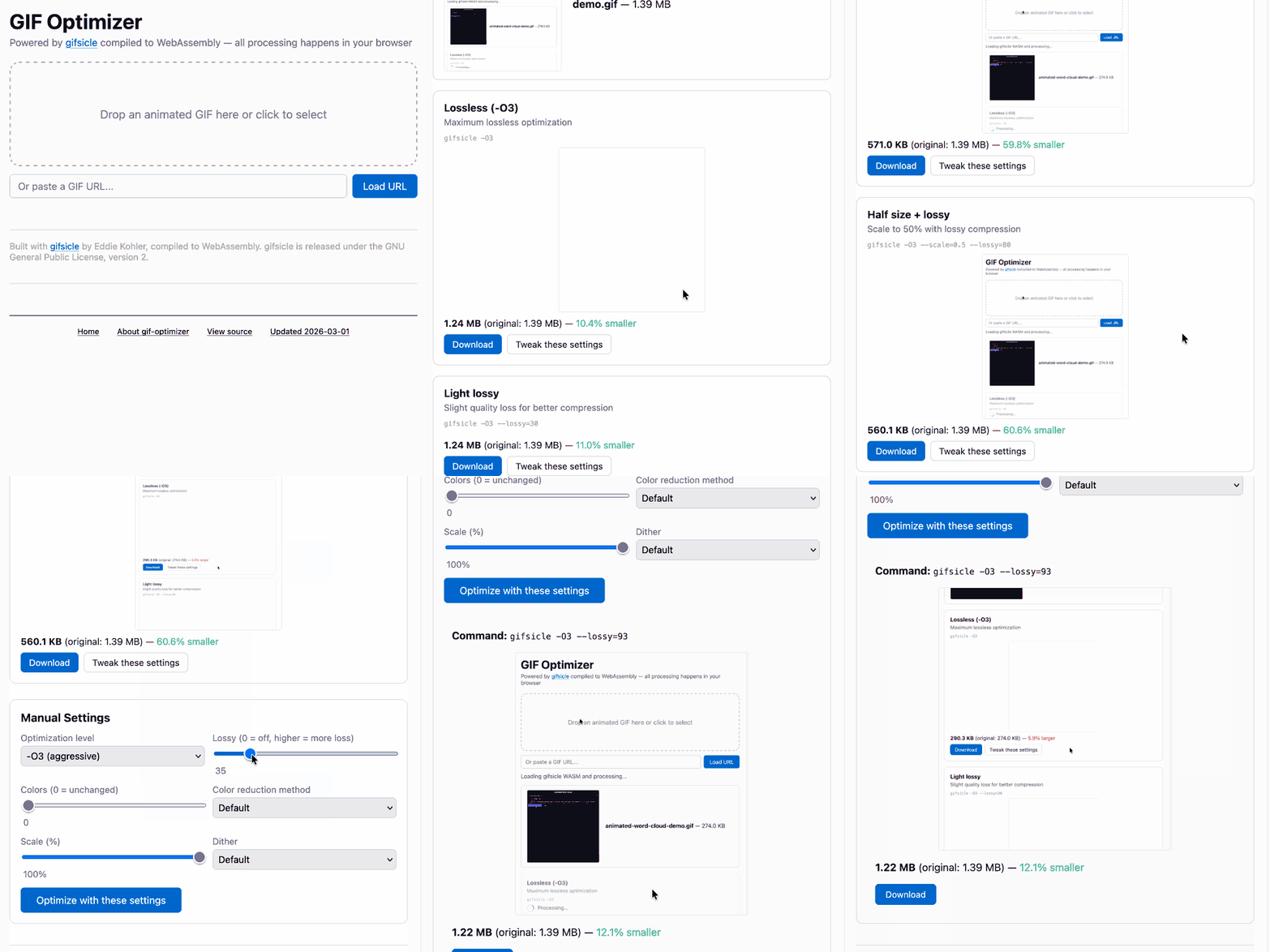
+Here's [what it built](https://tools.simonwillison.net/gif-optimizer), plus an animated GIF demo that I optimized using the tool:
+
+
+
Let's address that prompt piece by piece.
> `gif-optimizer.html`
March 2, 2026, 4:18 p.m. #
Initial version.