Guides > Agentic Engineering Patterns
Interactive explanations
When we lose track of how code written by our agents works we take on cognitive debt.
For a lot of things this doesn't matter: if the code fetches some data from a database and outputs it as JSON the implementation details are likely simple enough that we don't need to care. We can try out the new feature and make a very solid guess at how it works, then glance over the code to be sure.
Often though the details really do matter. If the core of our application becomes a black box that we don't fully understand we can no longer confidently reason about it, which makes planning new features harder and eventually slows our progress in the same way that accumulated technical debt does.
How do we pay down cognitive debt? By improving our understanding of how the code works.
One of my favorite ways to do that is by building interactive explanations.
Understanding word clouds
In An AI agent coding skeptic tries AI agent coding, in excessive detail Max Woolf mentioned testing LLMs' Rust abilities with the prompt Create a Rust app that can create "word cloud" data visualizations given a long input text.
This captured my imagination: I've always wanted to know how word clouds work, so I fired off an asynchronous research project - initial prompt here, code and report here - to explore the idea.
This worked really well: Claude Code for web built me a Rust CLI tool that could produce images like this one:
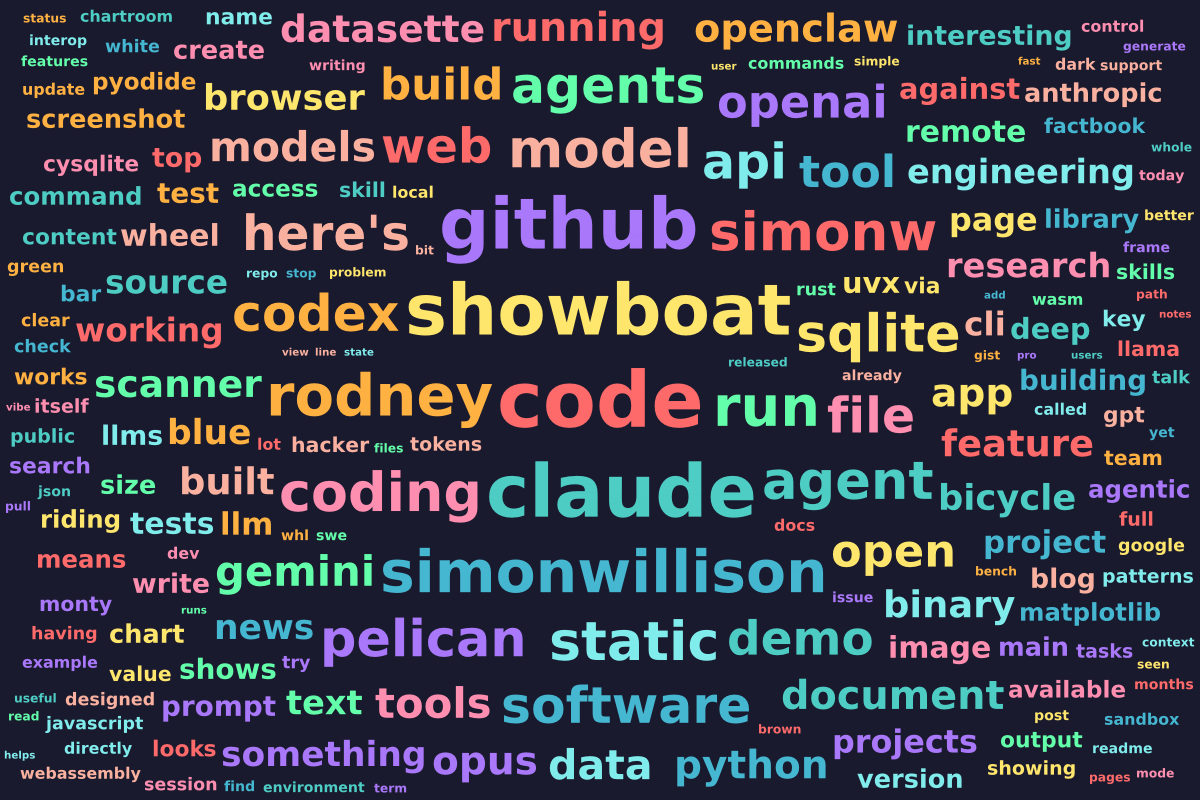
But how does it actually work?
Claude's report said it uses "Archimedean spiral placement with per-word random angular offset for natural-looking layouts". This did not help me much!
I requested a linear walkthrough of the codebase which helped me understand the Rust code in more detail - here's that walkthrough (and the prompt). This helped me understand the structure of the Rust code but I still didn't have an intuitive understanding of how that "Archimedean spiral placement" part actually worked.
So I asked for an animated explanation. I did this by pasting a link to that existing walkthrough.md document into a Claude Code session along with the following:
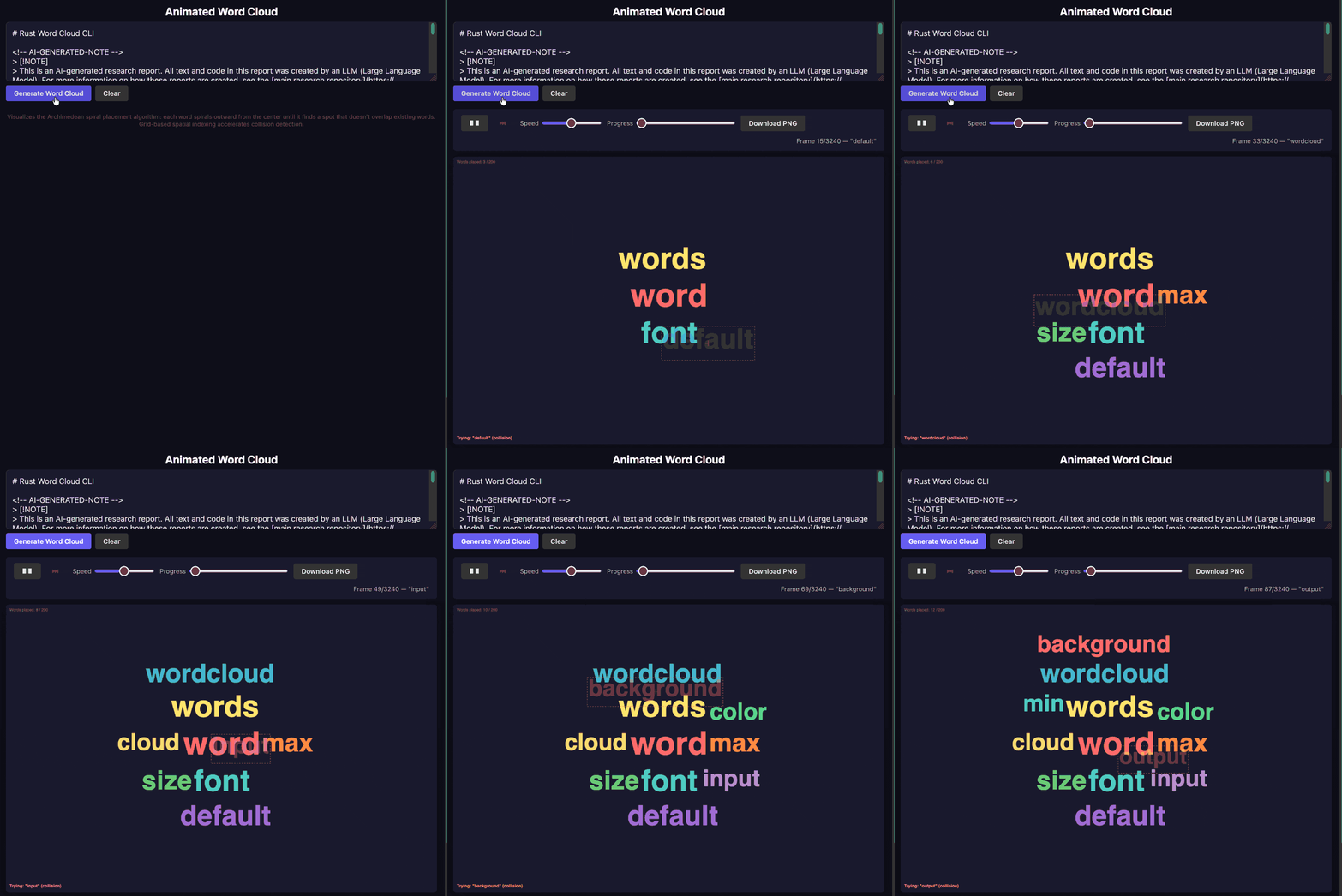
This was using Claude Opus 4.6, which turns out to have quite good taste when it comes to building explanatory animations.
If you watch the animation closely you can see that for each word it attempts to place it somewhere on the page by showing a box, run checks if that box intersects an existing word. If so it continues to try to find a good spot, moving outward in a spiral from the center.
I found that this animation really helped make the way the algorithm worked click for me.
I have long been a fan of animations and interactive interfaces to help explain different concepts. A good coding agent can produce these on demand to help explain code - its own code or code written by others.