9 posts tagged “electron”
2026
Introducing the Codex app. OpenAI just released a new macOS app for their Codex coding agent. I've had a few days of preview access - it's a solid app that provides a nice UI over the capabilities of the Codex CLI agent and adds some interesting new features, most notably first-class support for Skills, and Automations for running scheduled tasks.
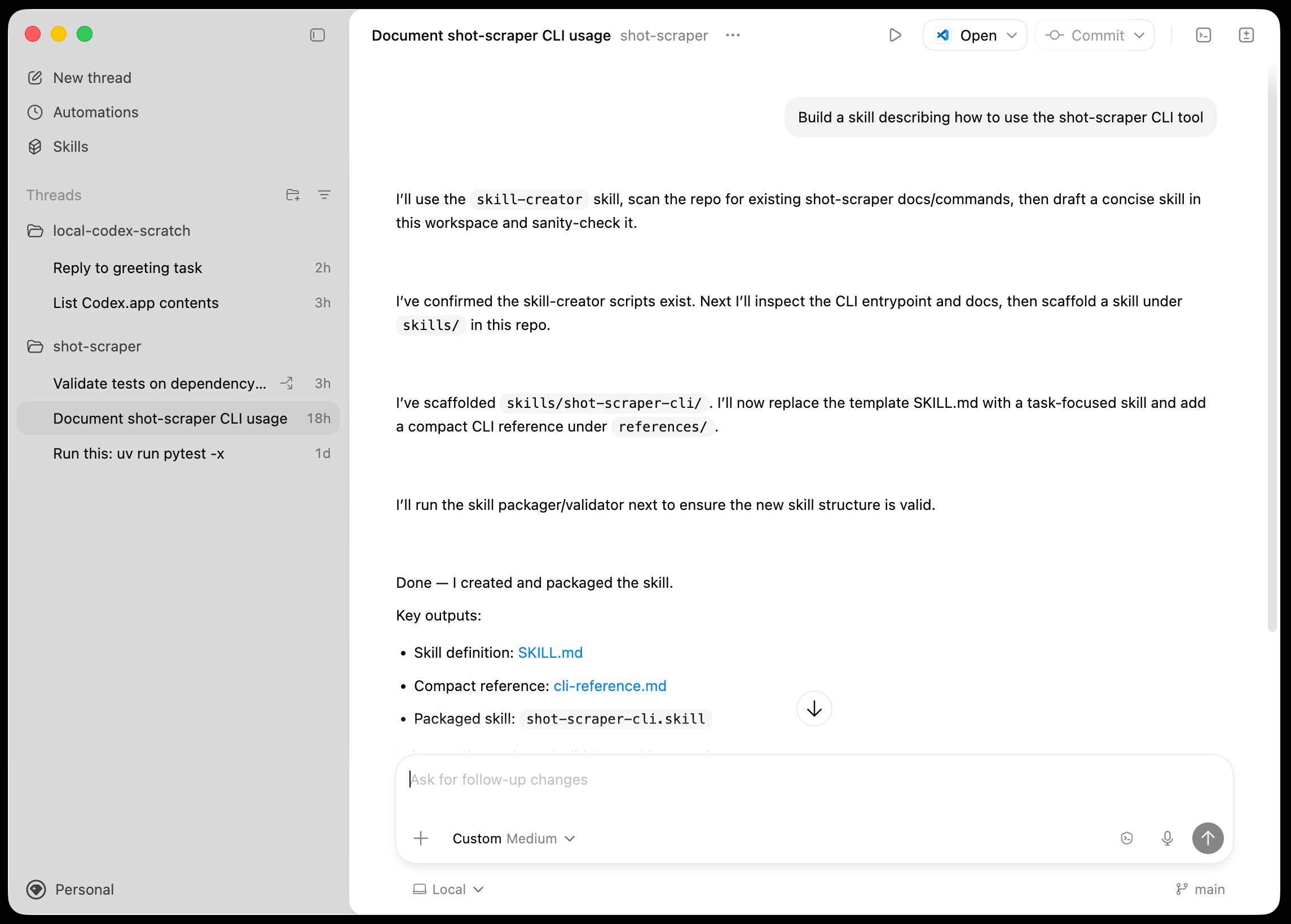
The app is built with Electron and Node.js. Automations track their state in a SQLite database - here's what that looks like if you explore it with uvx datasette ~/.codex/sqlite/codex-dev.db:
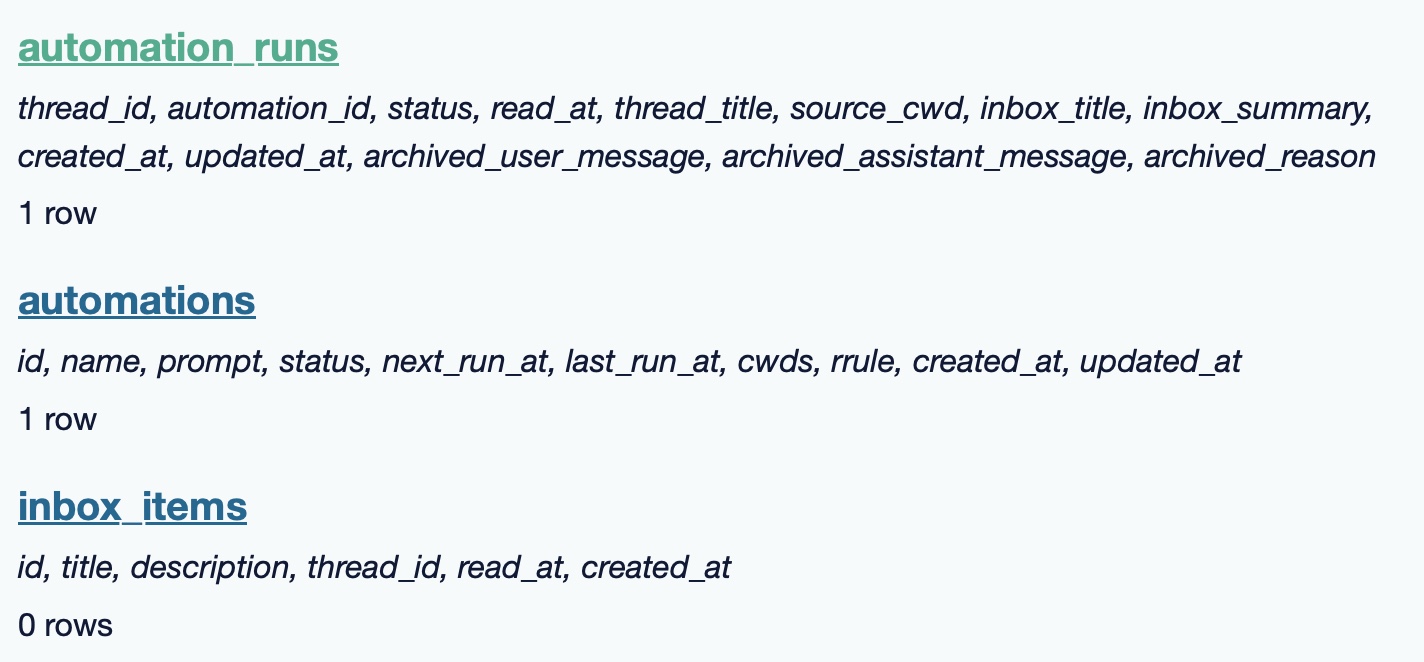
Here’s an interactive copy of that database in Datasette Lite.
The announcement gives us a hint at some usage numbers for Codex overall - the holiday spike is notable:
Since the launch of GPT‑5.2-Codex in mid-December, overall Codex usage has doubled, and in the past month, more than a million developers have used Codex.
Automations are currently restricted in that they can only run when your laptop is powered on. OpenAI promise that cloud-based automations are coming soon, which will resolve this limitation.
They chose Electron so they could target other operating systems in the future, with Windows “coming very soon”. OpenAI’s Alexander Embiricos noted on the Hacker News thread that:
it's taking us some time to get really solid sandboxing working on Windows, where there are fewer OS-level primitives for it.
Like Claude Code, Codex is really a general agent harness disguised as a tool for programmers. OpenAI acknowledge that here:
Codex is built on a simple premise: everything is controlled by code. The better an agent is at reasoning about and producing code, the more capable it becomes across all forms of technical and knowledge work. [...] We’ve focused on making Codex the best coding agent, which has also laid the foundation for it to become a strong agent for a broad range of knowledge work tasks that extend beyond writing code.
Claude Code had to rebrand to Cowork to better cover the general knowledge work case. OpenAI can probably get away with keeping the Codex name for both.
OpenAI have made Codex available to free and Go plans for "a limited time" (update: Sam Altman says two months) during which they are also doubling the rate limits for paying users.
2024
pywebview 5 (via) pywebview is a library for building desktop (and now Android) applications using Python, based on the idea of displaying windows that use the system default browser to display an interface to the user—styled such that the fact they run on HTML, CSS and JavaScript is mostly hidden from the end-user.
It’s a bit like a much simpler version of Electron. Unlike Electron it doesn’t bundle a full browser engine (Electron bundles Chromium), which reduces the size of the dependency a lot but does mean that cross-browser differences (quite rare these days) do come back into play.
I tried out their getting started example and it’s very pleasant to use—import webview, create a window and then start the application loop running to display it.
You can register JavaScript functions that call back to Python, and you can execute JavaScript in a window from your Python code.
2021
Datasette Desktop 0.2.0: The annotated release notes
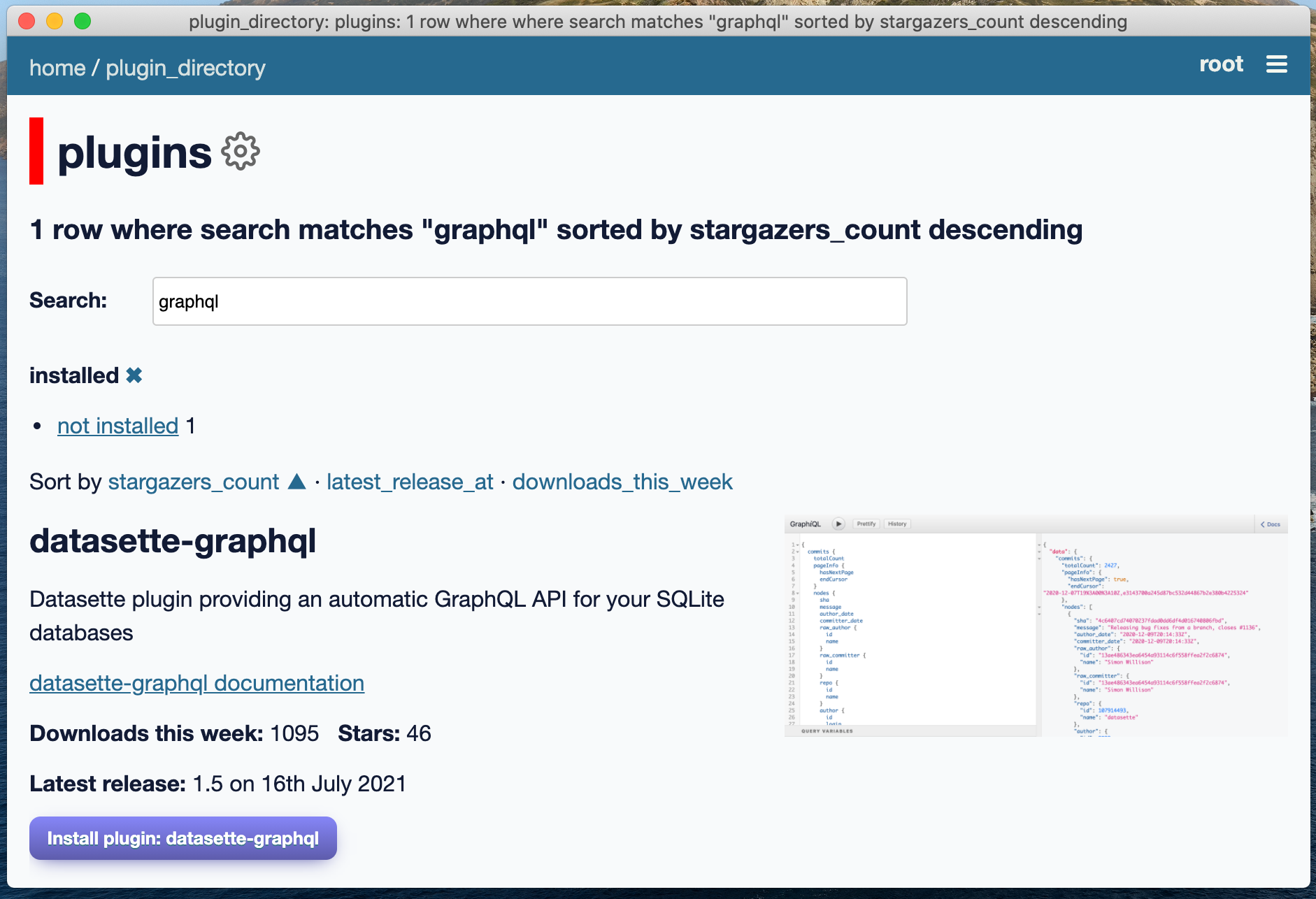
Datasette Desktop is a new macOS desktop application version of Datasette, an “open source multi-tool for exploring and publishing data” built on top of SQLite. I released the first version last week—I’ve just released version 0.2.0 (and a 0.2.1 bug fix) with a whole bunch of critical improvements.
[... 2,208 words]Datasette Desktop—a macOS desktop application for Datasette
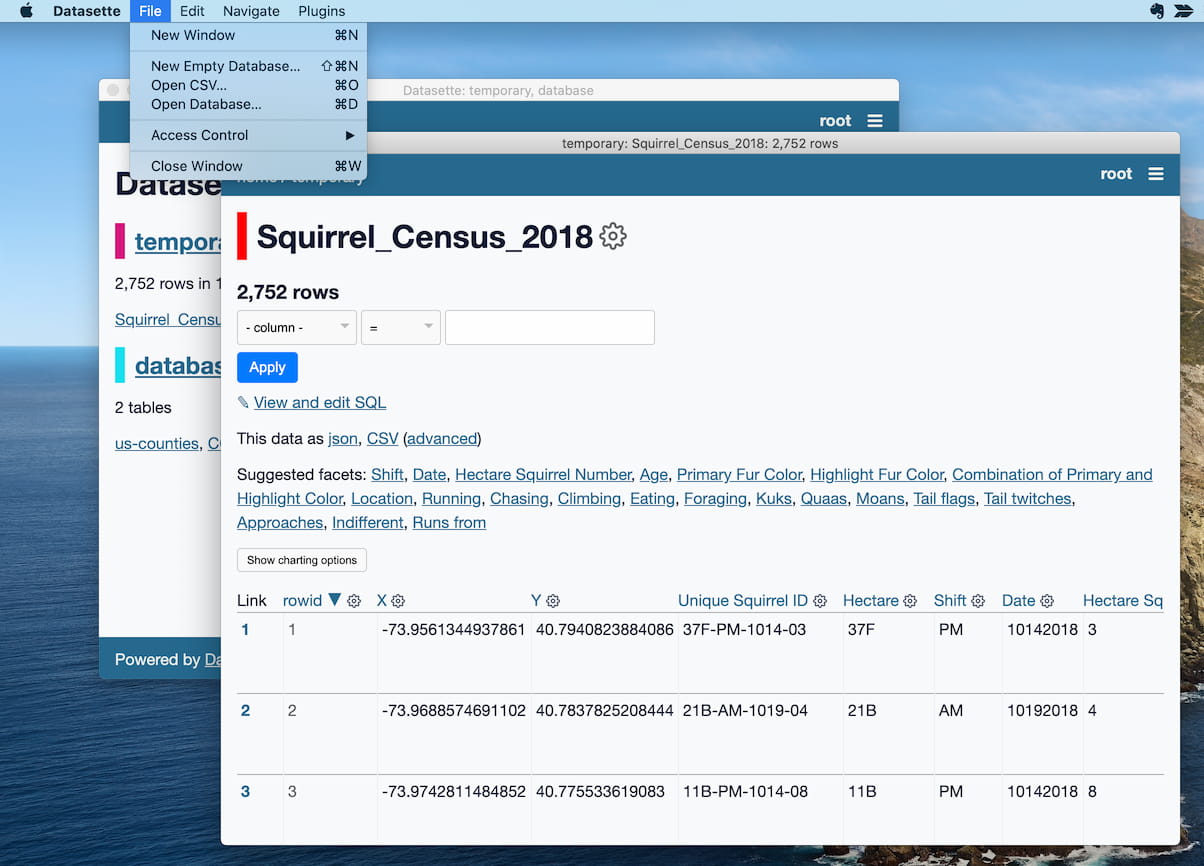
I just released version 0.1.0 of the new Datasette macOS desktop application, the first version that end-users can easily install. I would very much appreciate your help testing it out!
[... 1,761 words]Datasette Desktop 0.1.0 (via) This is the first installable version of the new Datasette Desktop macOS application I’ve been building. Please try it out and leave feedback on Twitter or on the GitHub Discussions thread linked from the release notes.
Building a desktop application for Datasette (and weeknotes)
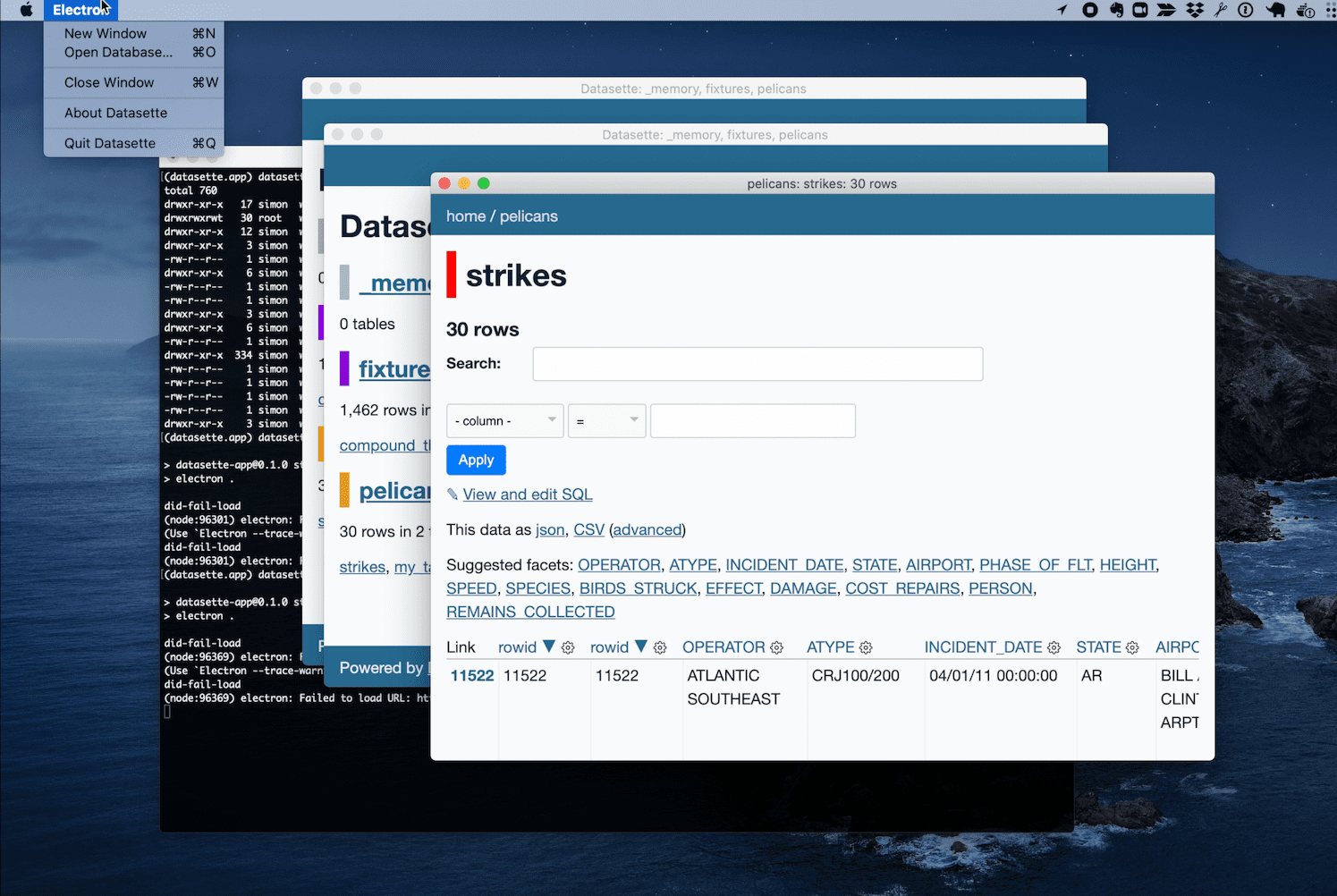
This week I started experimenting with a desktop application version of Datasette—with the goal of providing people who aren’t comfortable with the command-line the ability to get Datasette up and running on their own personal computers.
[... 1,423 words]2019
When a rewrite isn’t: rebuilding Slack on the desktop. Slack appear to have pulled off the almost impossible: finishing a complete, incremental rewrite of their core product. They moved from jQuery to React over the course of two years, constantly shipping new features as they went along. The biggest gain was in rewriting their code to support multiple workspaces, which means desktop client users no longer have to run a separate copy of Electron for every workspace they are signed into.
Monaco Editor. VS Code is MIT licensed and built on top of Electron. I thought “huh, I wonder if I could run the editor component embedded in a web app”—and it turns out Microsoft have already extracted out the code editor component into an open source JavaScript package called Monaco. Looks very slick, though sadly it’s not supported in mobile browsers.
2017
gillyb/sensitive: A native desktop version of the kibana sense plugin. I love using the Sense UI for developing against Elasticsearch, but it’s infuriatingly hard to obtain these days. You can install it as a Kibana plugin but I work with multiple Elasticsearch instances and I don’t want to have to get it installed on all of them. Until recently I was using a Chrome extension for it, but that’s now been disabled as containing malware and removed from the Chrome extension store. I’ve now switched to Sensitive, which packages Sense up as a native OS X application using Electron.