486 posts tagged “sqlite”
SQLite is the world's most widely deployed database engine.
2020
CG-SQL (via) This is the toolkit the Facebook Messenger team wrote to bring stored procedures to SQLite. It implements a custom version of the T-SQL language which it uses to generate C code that can then be compiled into a SQLite module.
Project LightSpeed: Rewriting the Messenger codebase for a faster, smaller, and simpler messaging app (via) Facebook rewrote their iOS messaging app earlier this year, dropping it from 1.7m lines of code to 360,000 and reducing the binary size to a quarter of what it was. A key part of the new app’s architecture is much heavier reliance on SQLite to coordinate data between views, and to dynamically configure how different views are displayed. They even built their own custom system to add stored procedures to SQLite so they could execute portable business logic inside the database.
Proof of concept: sqlite_utils magic for Jupyter (via) Tony Hirst has been experimenting with building a Jupyter “magic” that adds special syntax for using sqlite-utils to insert data and run queries. Query results come back as a Pandas DataFrame, which Jupyter then displays as a table.
Pikchr. Interesting new project from SQLite creator D. Richard Hipp. Pikchr is a new mini language for describing visual diagrams, designed to be embedded in Markdown documentation. It’s already enabled for the SQLite forum. Implementation is a no-dependencies C library and output is SVG.
Building an Evernote to SQLite exporter
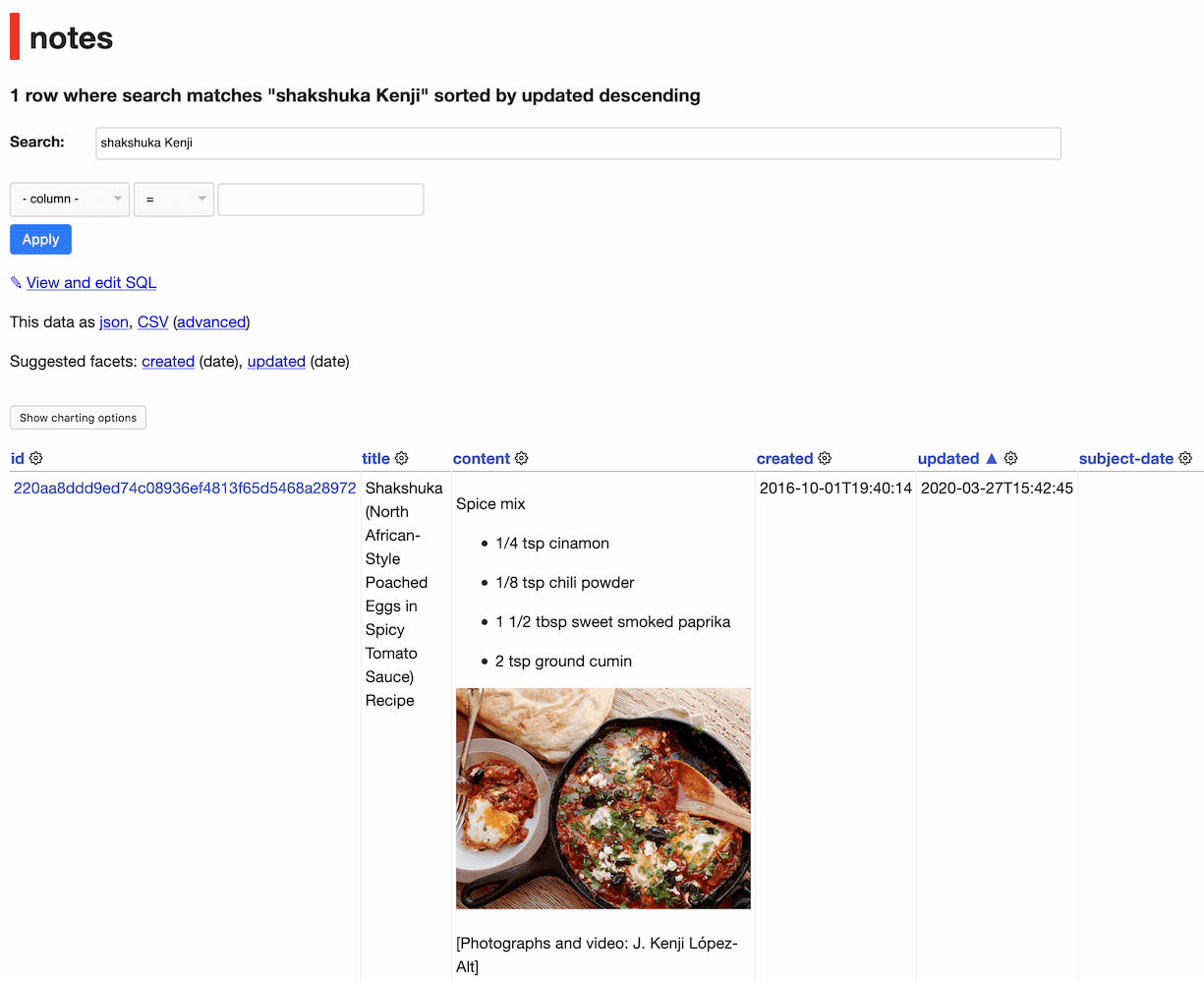
I’ve been using Evernote for over a decade, and I’ve long wanted to export my data from it so I can do interesting things with it.
[... 1,879 words]evernote-to-sqlite (via) The latest tool in my Dogsheep series of utilities for personal analytics: evernote-to-sqlite takes Evernote note exports en their ENEX XML format and loads them into a SQLite database. Embedded images are loaded into a BLOB column and the output of their cloud-based OCR system is added to a full-text search index. Notes have a latitude and longitude which means you can visualize your notes on a map using Datasette and datasette-cluster-map.
Datasette Weekly: Datasette 0.50, git scraping, extracting columns (via) The first edition of the new Datasette Weekly newsletter—covering Datasette 0.50, Git scraping, extracting columns with sqlite-utils and featuring datasette-graphql as the first “plugin of the week”
Bedrock: The SQLitening (via) Back in March 2018 www.mozilla.org switched over to running on Django using SQLite! They’re using the same pattern I’ve been exploring with Datasette: their SQLite database is treated as a read-only cache by their frontend servers, and a new SQLite database is built by a separate process and fetched onto the frontend machines every five minutes by a scheduled task. They have a healthcheck page which shows the latest version of the database and when it was fetched, and even lets you download the 25MB SQLite database directly (I’ve been exploring it using Datasette).
Weeknotes: software carpentry, compiling modules for SQLite
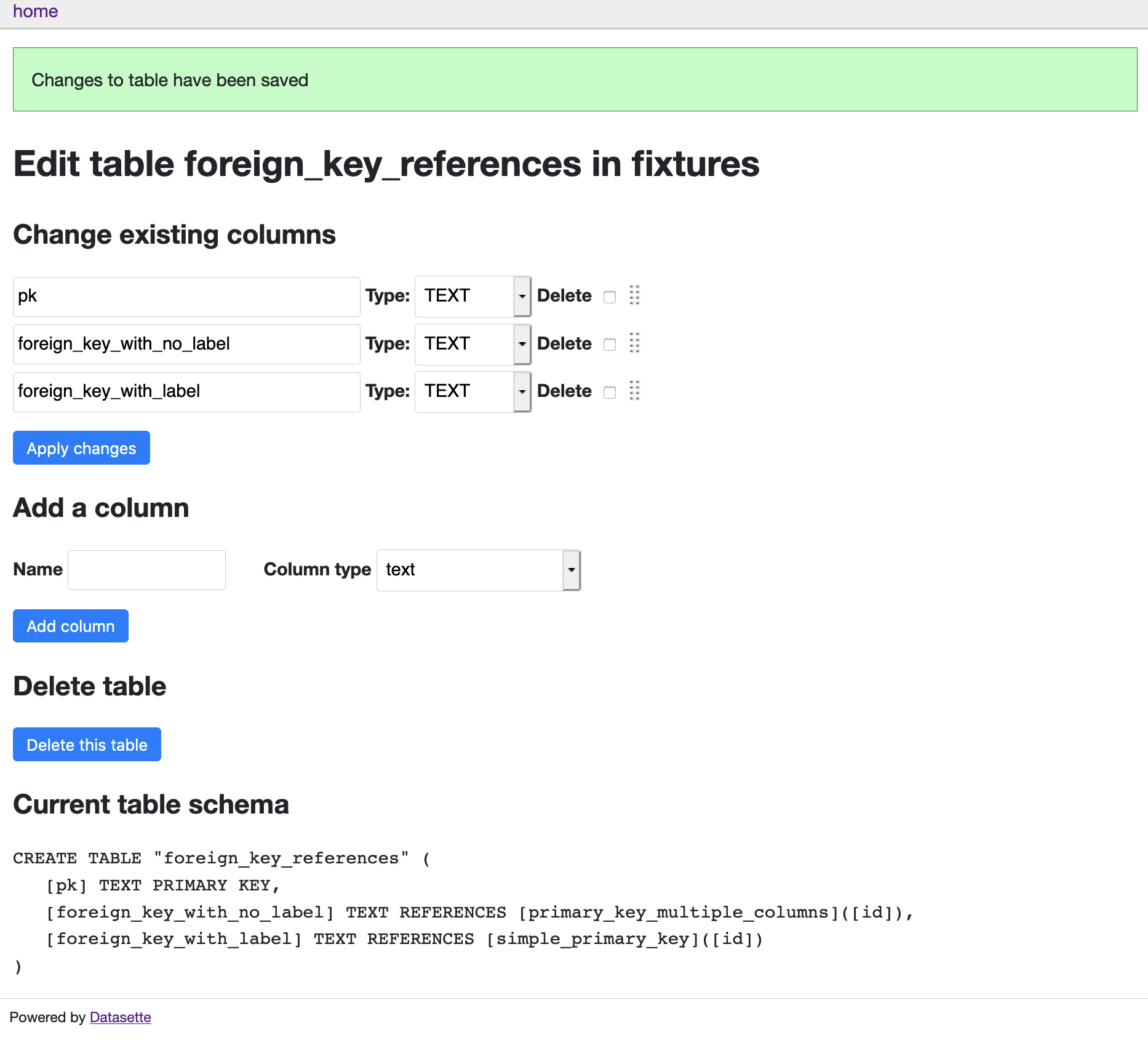
This week I completed the Software Carpentry instructor training course, added two foundational features to sqlite-utils and learned how to compile modules for SQLite.
Refactoring databases with sqlite-utils extract
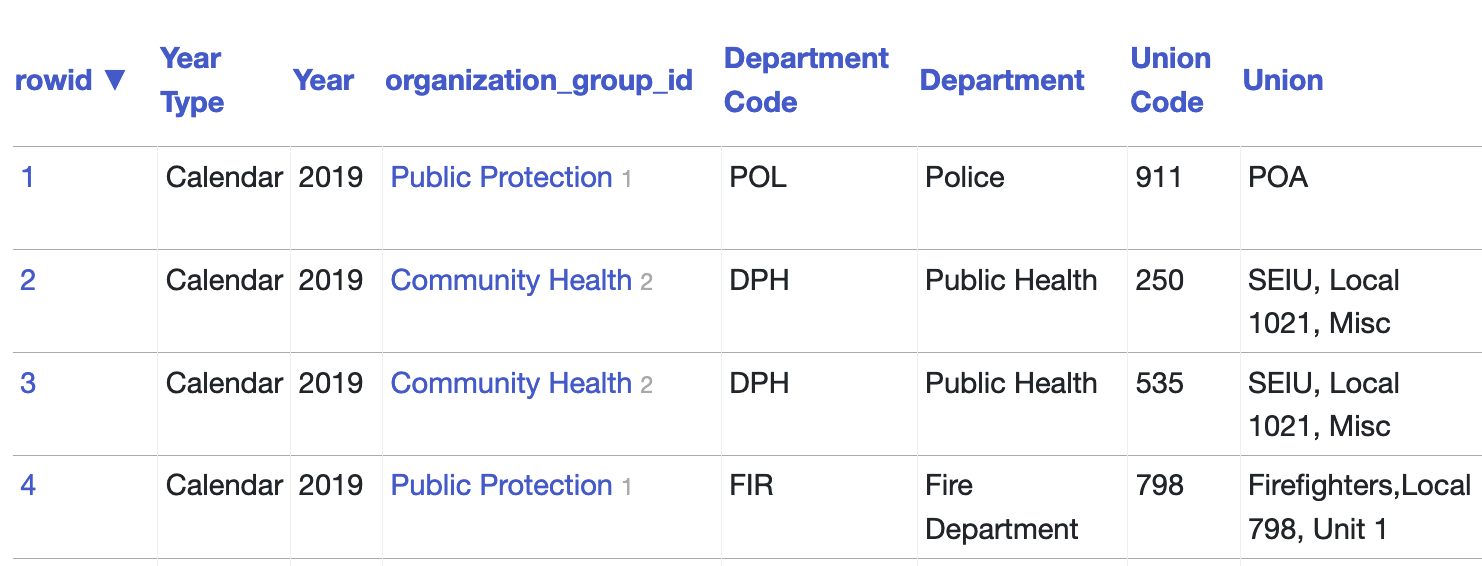
Yesterday I described the new sqlite-utils transform mechanism for applying SQLite table transformations that go beyond those supported by ALTER TABLE. The other new feature in sqlite-utils 2.20 builds on that capability to allow you to refactor a database table by extracting columns into separate tables. I’ve called it sqlite-utils extract.
Executing advanced ALTER TABLE operations in SQLite
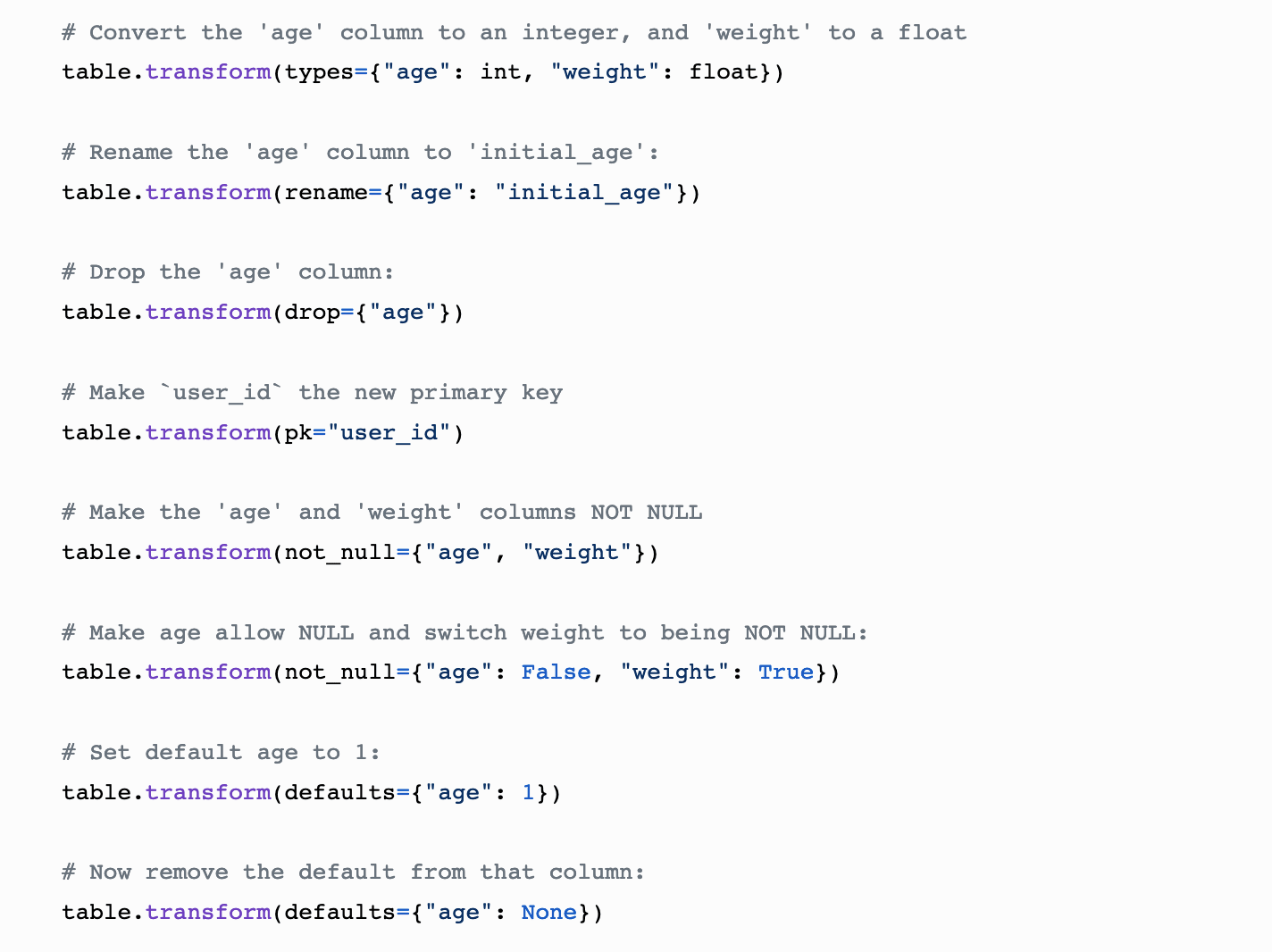
SQLite’s ALTER TABLE has some significant limitations: it can’t drop columns (UPDATE: that was fixed in SQLite 3.35.0 in March 2021), it can’t alter NOT NULL status, it can’t change column types. Since I spend a lot of time with SQLite these days I’ve written some code to fix this—both from Python and as a command-line utility.
[... 689 words]DuckDB (via) This is a really interesting, relatively new database. It’s kind of a weird hybrid between SQLite and PostgreSQL: it uses the PostgreSQL parser but models itself after SQLite in that databases are a single file and the code is designed for use as an embedded library, distributed in a single amalgamation C++ file (SQLite uses a C amalgamation). It features a “columnar-vectorized query execution engine” inspired by MonetDB (also by the DuckDB authors) and is hence designed to run analytical queries really quickly. You can install it using “pip install duckdb”—the resulting module feels similar to Python’s sqlite3, and follows roughly the same DBAPI pattern.
Weeknotes: datasette-dump, sqlite-backup, talks
I spent some time this week digging into Python’s sqlite3 internals. I also gave two talks and recorded a third, due to air at PyGotham in October.
[... 928 words]Weeknotes: Installing Datasette with Homebrew, more GraphQL, WAL in SQLite
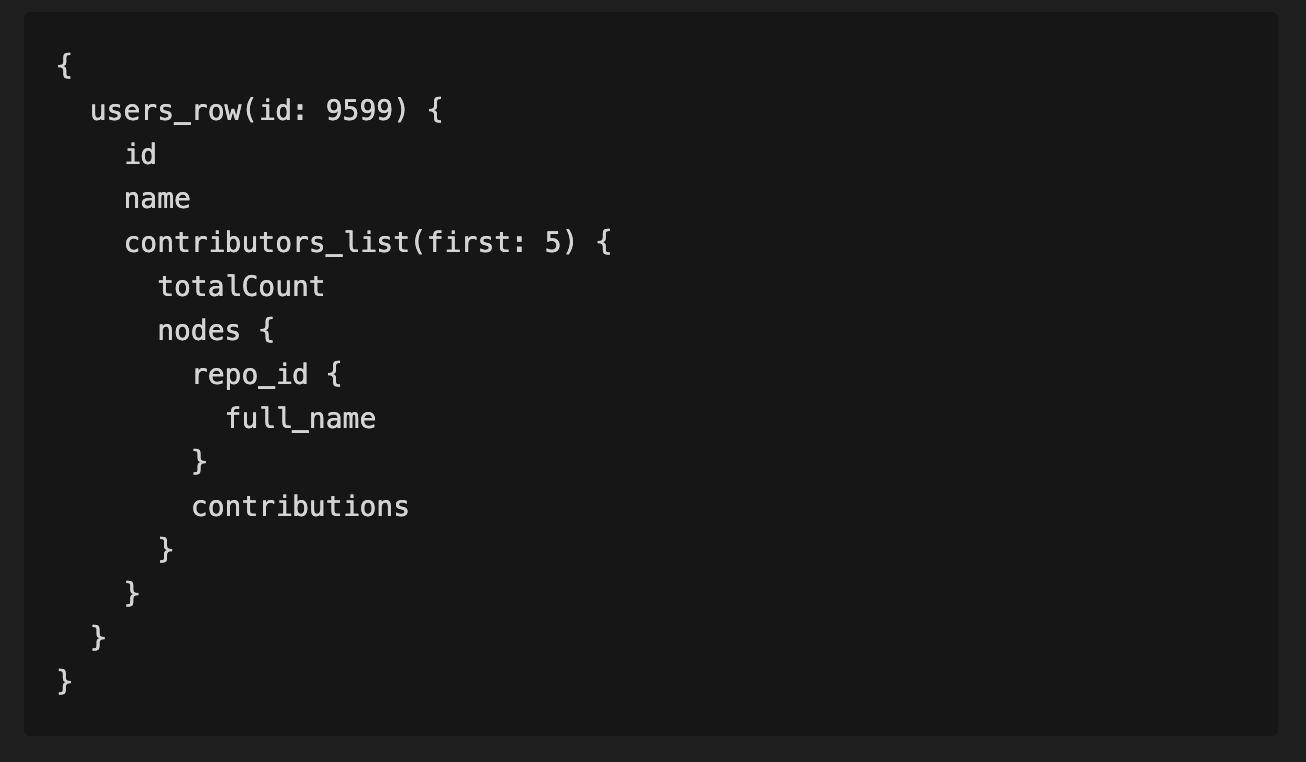
This week I’ve been working on making Datasette easier to install, plus wide-ranging improvements to the Datasette GraphQL plugin.
[... 1,009 words]GraphQL in Datasette with the new datasette-graphql plugin
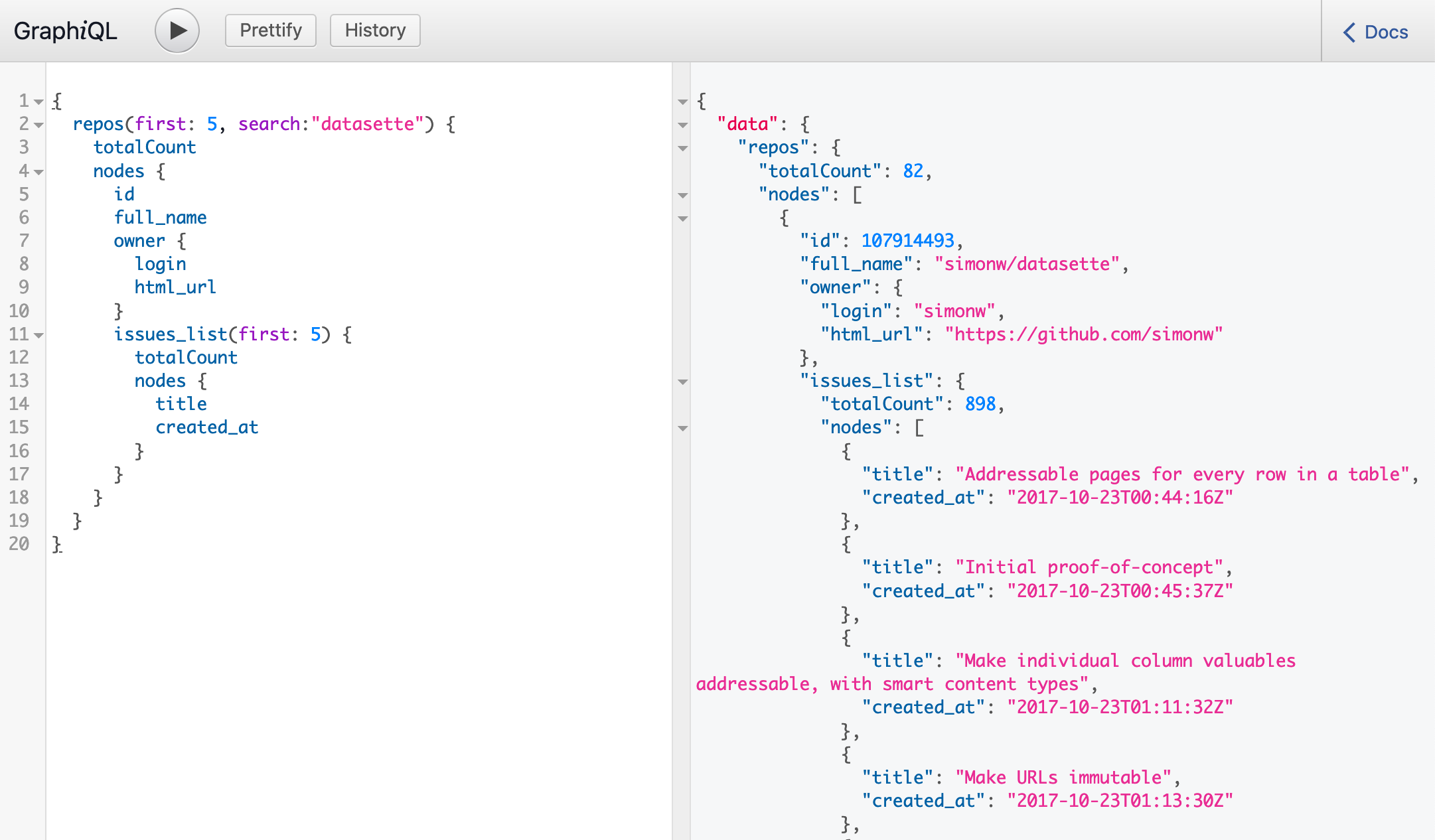
This week I’ve mostly been building datasette-graphql, a plugin that adds GraphQL query support to Datasette.
[... 1,249 words]sqlite-utils 2.14 (via) I finally figured out porter stemming with SQLite full-text search today—it turns out it’s as easy as adding tokenize=’porter’ to the CREATE VIRTUAL TABLE statement. So I just shipped sqlite-utils 2.14 with a tokenize= option (plus the ability to insert binary file data from stdin).