Gemini 3 Flash
17th December 2025
It continues to be a busy December, if not quite as busy as last year. Today’s big news is Gemini 3 Flash, the latest in Google’s “Flash” line of faster and less expensive models.
Google are emphasizing the comparison between the new Flash and their previous generation’s top model Gemini 2.5 Pro:
Building on 3 Pro’s strong multimodal, coding and agentic features, 3 Flash offers powerful performance at less than a quarter the cost of 3 Pro, along with higher rate limits. The new 3 Flash model surpasses 2.5 Pro across many benchmarks while delivering faster speeds.
Gemini 3 Flash’s characteristics are almost identical to Gemini 3 Pro: it accepts text, image, video, audio, and PDF, outputs only text, handles 1,048,576 maximum input tokens and up to 65,536 output tokens, and has the same knowledge cut-off date of January 2025 (also shared with the Gemini 2.5 series).
The benchmarks look good. The cost is appealing: 1/4 the price of Gemini 3 Pro ≤200k and 1/8 the price of Gemini 3 Pro >200k, and it’s nice not to have a price increase for the new Flash at larger token lengths.
It’s a little more expensive than previous Flash models—Gemini 2.5 Flash was $0.30/million input tokens and $2.50/million on output, Gemini 3 Flash is $0.50/million and $3/million respectively.
Google claim it may still end up cheaper though, due to more efficient output token usage:
> Gemini 3 Flash is able to modulate how much it thinks. It may think longer for more complex use cases, but it also uses 30% fewer tokens on average than 2.5 Pro.
Here’s a more extensive price comparison on my llm-prices.com site.
Generating some SVGs of pelicans
I released llm-gemini 0.28 this morning with support for the new model. You can try it out like this:
llm install -U llm-gemini
llm keys set gemini # paste in key
llm -m gemini-3-flash-preview "Generate an SVG of a pelican riding a bicycle"
According to the developer docs the new model supports four different thinking level options: minimal, low, medium, and high. This is different from Gemini 3 Pro, which only supported low and high.
You can run those like this:
llm -m gemini-3-flash-preview --thinking-level minimal "Generate an SVG of a pelican riding a bicycle"
Here are four pelicans, for thinking levels minimal, low, medium, and high:

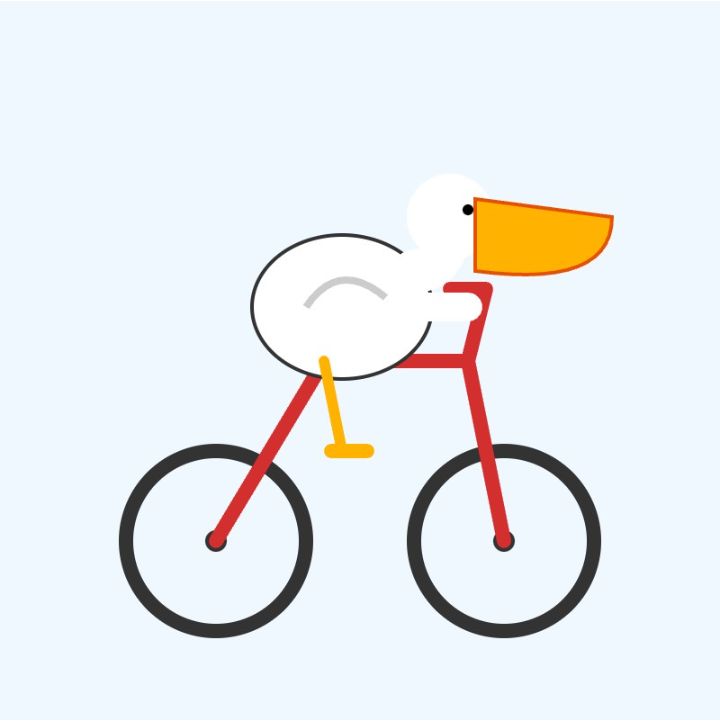
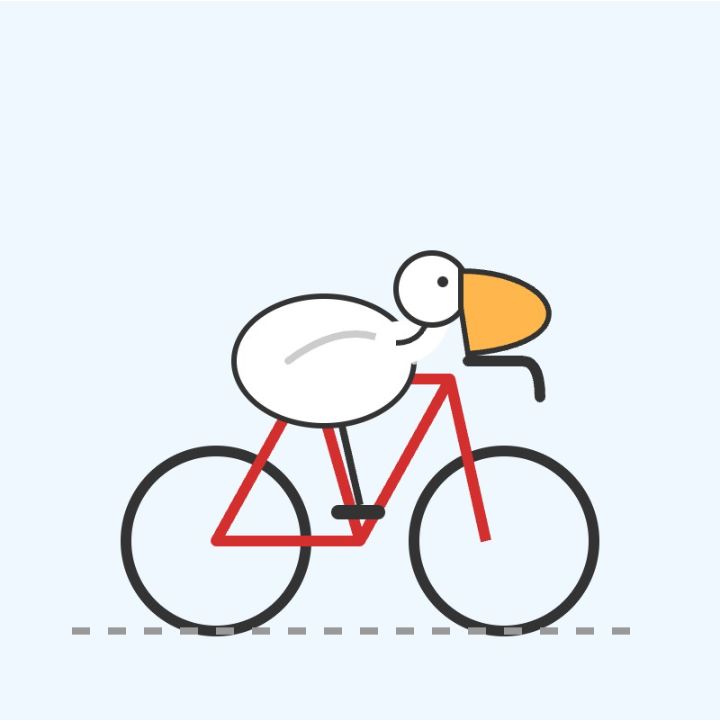
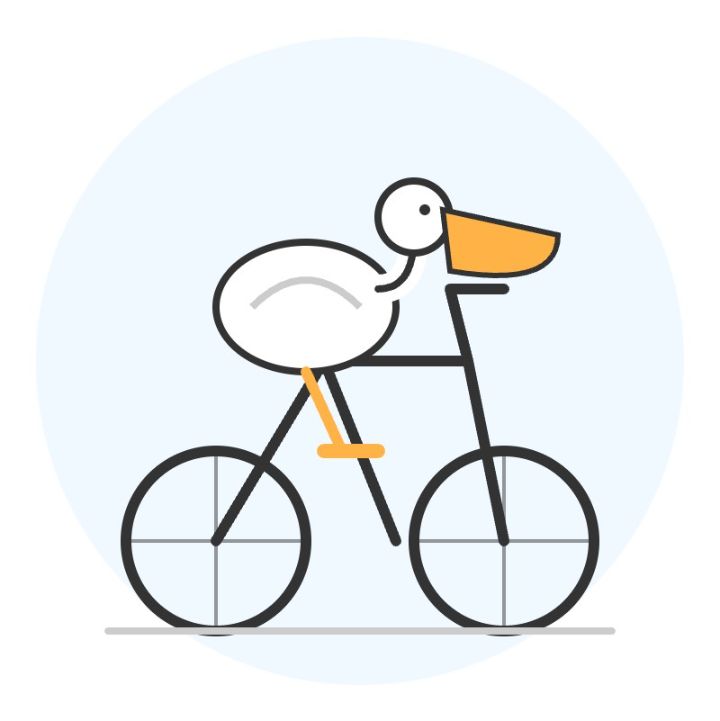
I built the gallery component with Gemini 3 Flash
The gallery above uses a new Web Component which I built using Gemini 3 Flash to try out its coding abilities. The code on the page looks like this:
<image-gallery width="4">
    <img src="https://static.simonwillison.net/static/2025/gemini-3-flash-preview-thinking-level-minimal-pelican-svg.jpg" alt="A minimalist vector illustration of a stylized white bird with a long orange beak and a red cap riding a dark blue bicycle on a single grey ground line against a plain white background." />
    <img src="https://static.simonwillison.net/static/2025/gemini-3-flash-preview-thinking-level-low-pelican-svg.jpg" alt="Minimalist illustration: A stylized white bird with a large, wedge-shaped orange beak and a single black dot for an eye rides a red bicycle with black wheels and a yellow pedal against a solid light blue background." />
    <img src="https://static.simonwillison.net/static/2025/gemini-3-flash-preview-thinking-level-medium-pelican-svg.jpg" alt="A minimalist illustration of a stylized white bird with a large yellow beak riding a red road bicycle in a racing position on a light blue background." />
    <img src="https://static.simonwillison.net/static/2025/gemini-3-flash-preview-thinking-level-high-pelican-svg.jpg" alt="Minimalist line-art illustration of a stylized white bird with a large orange beak riding a simple black bicycle with one orange pedal, centered against a light blue circular background." />
</image-gallery>
Those alt attributes are all generated by Gemini 3 Flash as well, using this recipe:
llm -m gemini-3-flash-preview --system '
You write alt text for any image pasted in by the user. Alt text is always presented in a
fenced code block to make it easy to copy and paste out. It is always presented on a single
line so it can be used easily in Markdown images. All text on the image (for screenshots etc)
must be exactly included. A short note describing the nature of the image itself should go first.' \
-a https://static.simonwillison.net/static/2025/gemini-3-flash-preview-thinking-level-high-pelican-svg.jpg
You can see the code that powers the image gallery Web Component here on GitHub. I built it by prompting Gemini 3 Flash via LLM like this:
llm -m gemini-3-flash-preview '
Build a Web Component that implements a simple image gallery. Usage is like this:

<image-gallery width="5">
  <img src="image1.jpg" alt="Image 1">
  <img src="image2.jpg" alt="Image 2" data-thumb="image2-thumb.jpg">
  <img src="image3.jpg" alt="Image 3">
</image-gallery>

If an image has a data-thumb= attribute that one is used instead, other images are scaled down.

The image gallery always takes up 100% of available width. The width="5" attribute means that five images will be shown next to each other in each row. The default is 3. There are gaps between the images. When an image is clicked it opens a modal dialog with the full size image.

Return a complete HTML file with both the implementation of the Web Component several example uses of it. Use https://picsum.photos/300/200 URLs for those example images.'
It took a few follow-up prompts using llm -c:
llm -c 'Use a real modal such that keyboard shortcuts and accessibility features work without extra JS'

llm -c 'Use X for the close icon and make it a bit more subtle'

llm -c 'remove the hover effect entirely'

llm -c 'I want no border on the close icon even when it is focused'
Here’s the full transcript, exported using llm logs -cue.
Those five prompts took:
- 225 input, 3,269 output
- 2,243 input, 2,908 output
- 4,319 input, 2,516 output
- 6,376 input, 2,094 output
- 8,151 input, 1,806 output
Added together that’s 21,314 input and 12,593 output for a grand total of 4.8436 cents.
The guide to migrating from Gemini 2.5 reveals one disappointment:
Image segmentation: Image segmentation capabilities (returning pixel-level masks for objects) are not supported in Gemini 3 Pro or Gemini 3 Flash. For workloads requiring native image segmentation, we recommend continuing to utilize Gemini 2.5 Flash with thinking turned off or Gemini Robotics-ER 1.5.
I wrote about this capability in Gemini 2.5 back in April. I hope they come back in future models—they’re a really neat capability that is unique to Gemini.
More recent articles
- Vibe coding SwiftUI apps is a lot of fun - 27th March 2026
- Experimenting with Starlette 1.0 with Claude skills - 22nd March 2026
- Profiling Hacker News users based on their comments - 21st March 2026