Monday, 20th April 2026
Claude Token Counter, now with model comparisons. I upgraded my Claude Token Counter tool to add the ability to run the same count against different models in order to compare them.
As far as I can tell Claude Opus 4.7 is the first model to change the tokenizer, so it's only worth running comparisons between 4.7 and 4.6. The Claude token counting API accepts any Claude model ID though so I've included options for all four of the notable current models (Opus 4.7 and 4.6, Sonnet 4.6, and Haiku 4.5).
In the Opus 4.7 announcement Anthropic said:
Opus 4.7 uses an updated tokenizer that improves how the model processes text. The tradeoff is that the same input can map to more tokens—roughly 1.0–1.35× depending on the content type.
I pasted the Opus 4.7 system prompt into the token counting tool and found that the Opus 4.7 tokenizer used 1.46x the number of tokens as Opus 4.6.
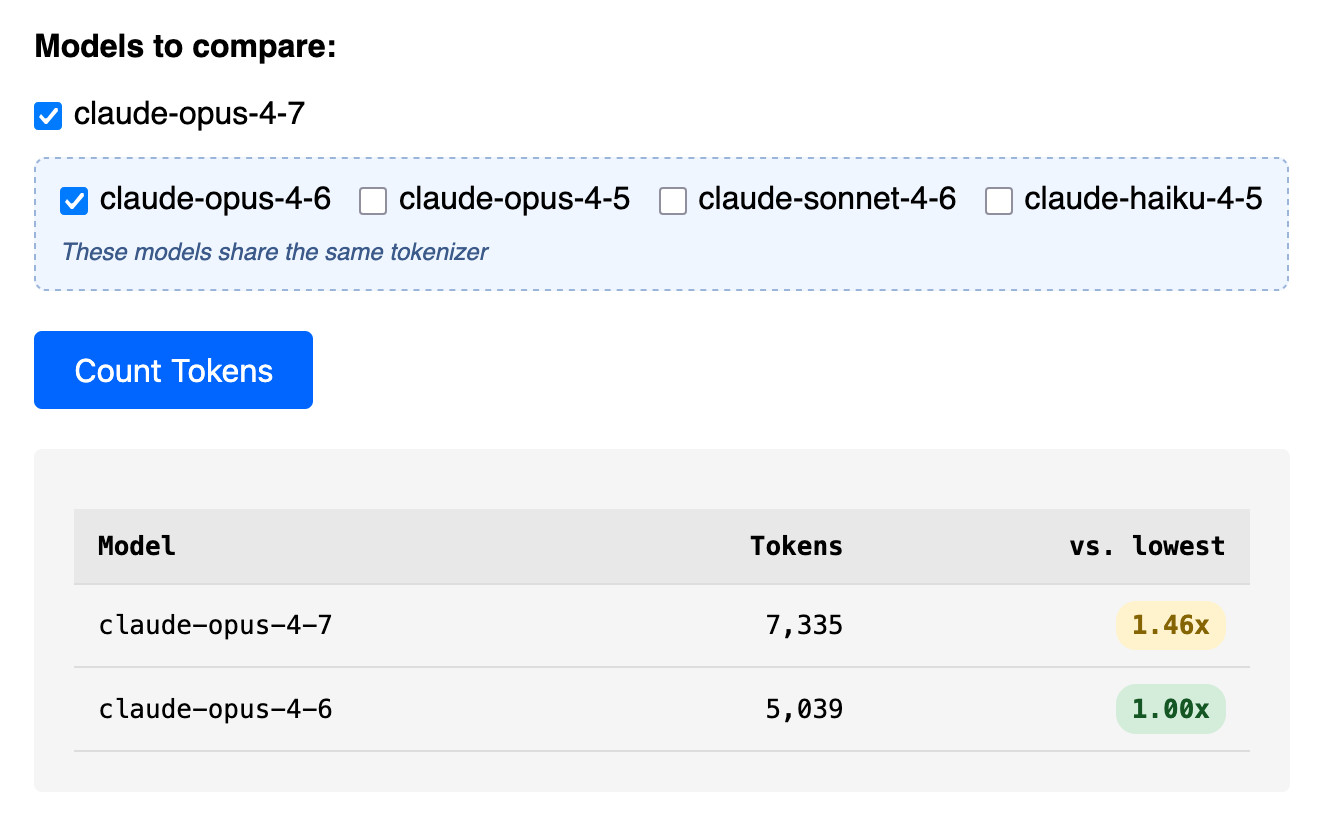
Opus 4.7 uses the same pricing is Opus 4.6 - $5 per million input tokens and $25 per million output tokens - but this token inflation means we can expect it to be around 40% more expensive.
The token counter tool also accepts images. Opus 4.7 has improved image support, described like this:
Opus 4.7 has better vision for high-resolution images: it can accept images up to 2,576 pixels on the long edge (~3.75 megapixels), more than three times as many as prior Claude models.
I tried counting tokens for a 3456x2234 pixel 3.7MB PNG and got an even bigger increase in token counts - 3.01x times the number of tokens for 4.7 compared to 4.6:
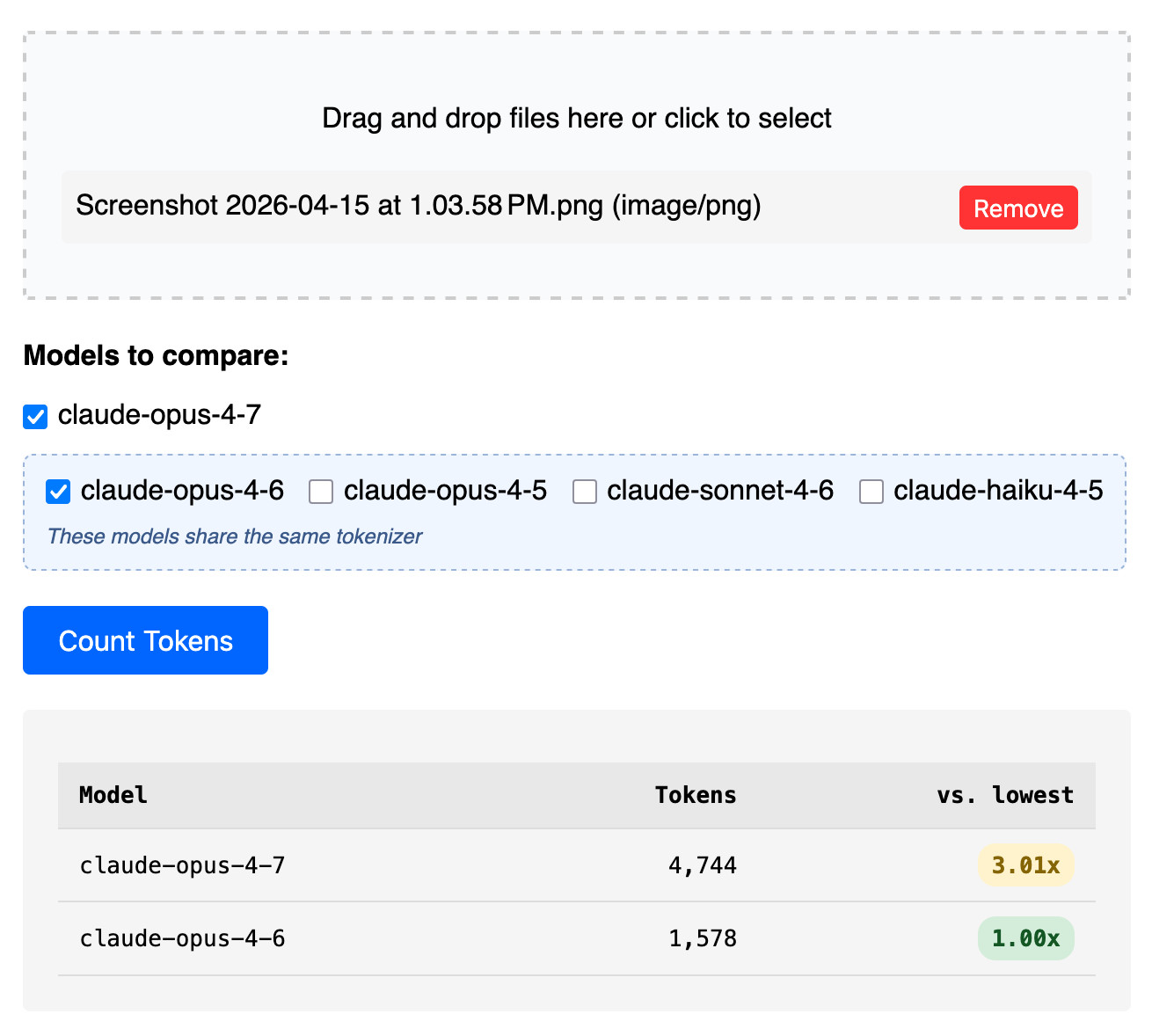
Update: That 3x increase for images is entirely due to Opus 4.7 being able to handle higher resolutions. I tried that again with a 682x318 pixel image and it took 314 tokens with Opus 4.7 and 310 with Opus 4.6, so effectively the same cost.
Update 2: I tried a 15MB, 30 page text-heavy PDF and Opus 4.7 reported 60,934 tokens while 4.6 reported 56,482 - that's a 1.08x multiplier, significantly lower than the multiplier I got for raw text.
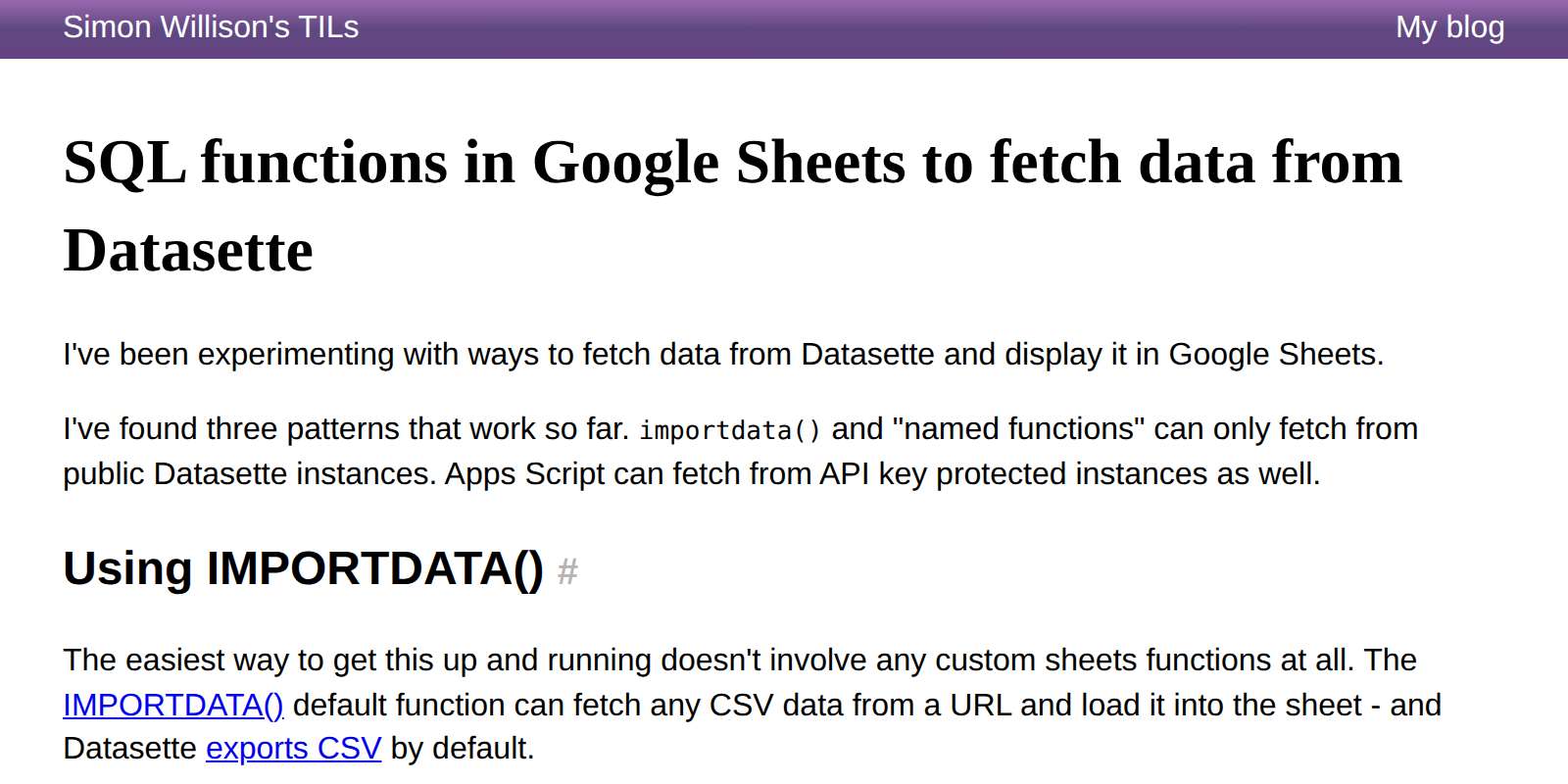
I put together some notes on patterns for fetching data from a Datasette instance directly into Google Sheets - using the importdata() function, a "named function" that wraps it or a Google Apps Script if you need to send an API token in an HTTP header (not supported by importdata().)
Here's an example sheet demonstrating all three methods.
llm openrouter refreshcommand for refreshing the list of available models without waiting for the cache to expire.
I added this feature so I could try Kimi 2.6 on OpenRouter as soon as it became available there.
Here's its pelican - this time as an HTML page because Kimi chose to include an HTML and JavaScript UI to control the animation. Transcript here.